Amazon Creator Summit · Check-in
The front door runs itself, so your team can run the event.
Meet Ash, one of the Summit’s hosts. Guests say their name, she finds them, checks them in, prints their badge and sends the event info to their phone.
 Prepared by BayAI for Our Friends Electric
The door
Same guests. No line.
A desk only checks in one guest at a time. With AI hosts, every kiosk works as a door host.
Today
Desk, iPads, queue
With AI hosts
Tap, talk, done
~0s
From tap to run sheet, per guest.
No queue
Every kiosk is its own door host.
Run sheet
+ venue map
On their phone before the bag’s down.
The journey
Five beats, under thirty seconds.
Ash is already talking while she searches, so the guest never waits in silence.
- 1
Tap
Touch to check in

- 2
Hello
Ash“Hey — welcome to the Creator Summit!”

- 3
Name
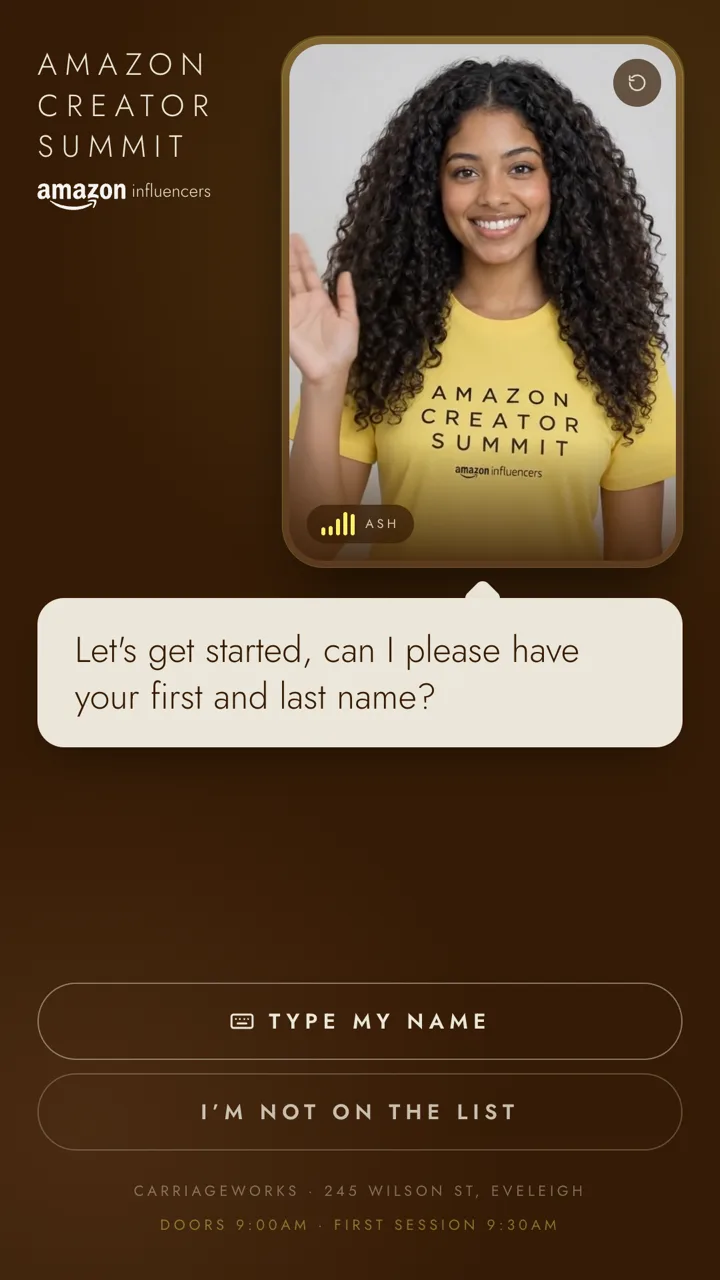
Ash“So, who have I got?”
- 4
Confirm
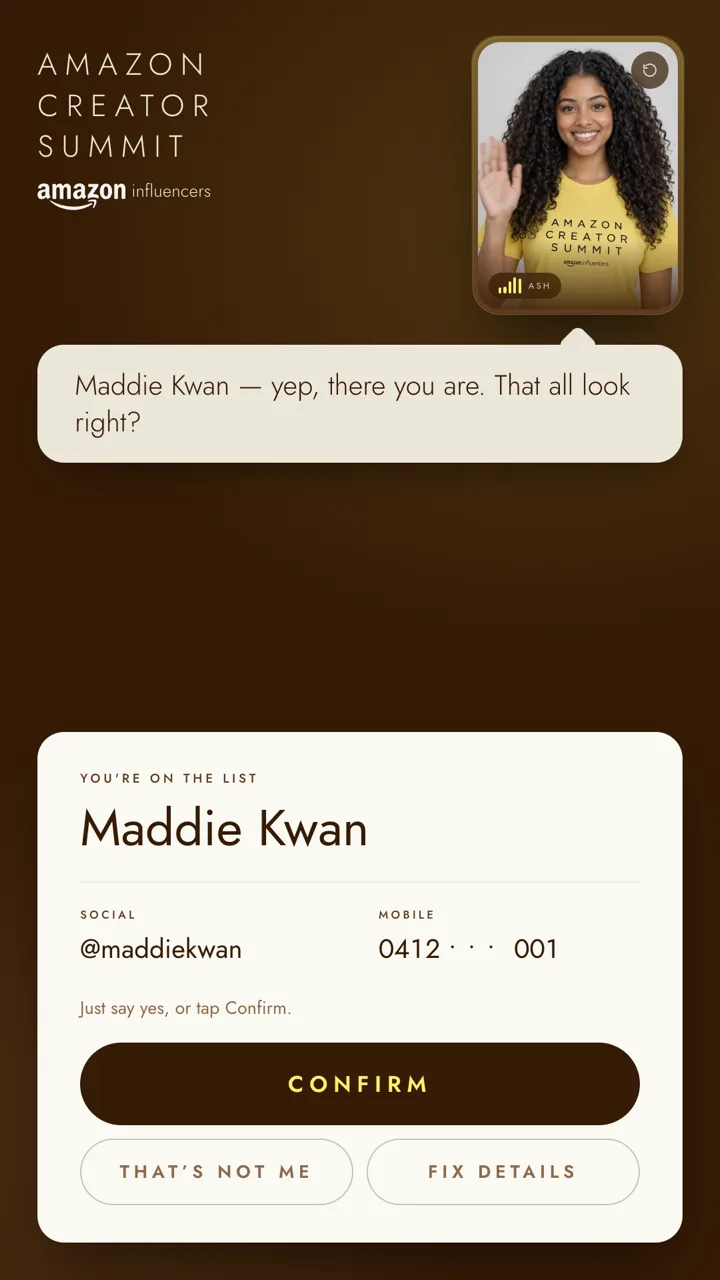
Ash“Maddie Kwan, @maddiekwan, mobile ending 001 — that all look right?”
- 5
On your phone
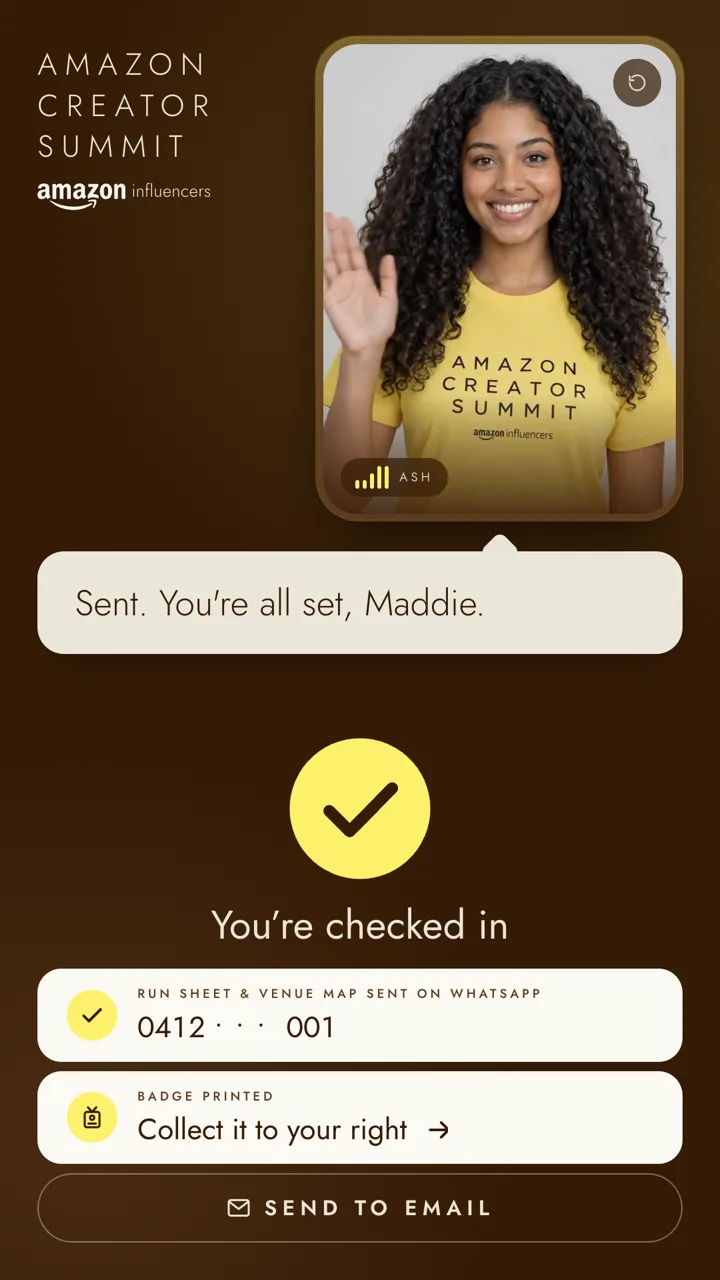
Ash“I've sent your run sheet over to WhatsApp.”

Maddie — love it. Let me find you on the list, give us one sec…
Meet Ash
The friend on the door who makes you feel like a regular.
Early twenties, from Sydney, in the Summit tee. She reads as event staff, not as a chatbot.
Ash is one of eight hosts. Yours can be anyone.
Any look
Styled to the event, in the event tee.
Any voice
Pick the voice and the accent.
Any language
Add languages per event.
A real person
A digital twin of a real host.
Built for a real foyer
Loud rooms, shy guests, private details.
It's designed for the foyer on the day, not for a quiet meeting room.
Voice or touch
Talk to the host, or tap. Both work the whole way through.
Private details, typed
Mobile and email go on screen, not out loud across a busy foyer.
The desk can step in
Staff see every kiosk, and can type for a guest when the room gets loud.
Masked, and kept in Australia
Mobiles are masked on screen. Guest data is stored in an Australian region.
Your turn
Talk to Ash yourself.
Say you’re Tim Freeland. She’ll find you.